If you are a CS student or a self-taught developer and you have been applying to software engineering jobs for months without hearing back, there is a very good chance your portfolio is the problem — not your skills.
Most developers build portfolios wrong. They put up three tutorial projects, write "Passionate developer who loves to code" in the bio, and wonder why recruiters never respond. This guide will show you exactly what a hiring-level portfolio looks like in 2025 and how to build one from scratch.
Why Your Portfolio Matters More Than Your Degree
Recruiters spend an average of 7 seconds on a resume before deciding to move forward or discard it. A portfolio linked in your resume gives them somewhere to go in those 7 seconds. It answers the one question every hiring manager actually cares about: can this person ship real software?
A degree says you sat in classes. A portfolio says you built things. In a market where CS graduates are applying to the same 50 companies, a strong portfolio is the single most controllable variable between you and an interview.
The developers landing jobs at top companies in 2025 are not always the smartest in the room. They are the ones who documented their work, made their GitHub look like they care, and built projects that solve real problems.
What Recruiters Actually Look at (And What They Skip)
Before you build anything, you need to understand your audience.
A recruiter's job is to find 5 qualified candidates from 500 applications as fast as possible. They are not reading your code. They are pattern-matching for signals that you are hireable:
They look at:
- Your GitHub activity graph (is it green? is there consistency?)
- Project names and one-line descriptions (are these real things?)
- README quality (does this person communicate clearly?)
- Tech stack (does it match what we hire for?)
- Live demos (does this actually work?)
They skip:
- Your "about me" life story
- Projects named "learning-react-tutorial" or "test-app"
- GitHub repos with 1 commit and no README
- Portfolio sites with 8 sections but zero shipped code
The mental model is simple: your portfolio is a proof-of-work system. Every project is a claim you are making about yourself. The question is whether the evidence supports the claim.
The 3-Project Rule
You do not need 20 projects. You need 3 excellent ones.
One large project, one medium project, one contribution to something real. That is the formula that works.
Project 1: The Full-Stack App (your anchor)
This is your most ambitious project. It should have a backend, a database, authentication, and a real user-facing feature. Think: a job tracker, a habit app, a link shortener with analytics, a markdown blog with a custom CMS. Not a to-do list. Not a weather app.
The bar for this project: if you showed it to a non-technical friend and they found it useful, you are on the right track.
Project 2: The Technical Showcase (your depth signal)
This project demonstrates that you understand something deeply. Examples:
- A rate limiter implemented from scratch
- A Redis-backed session manager
- A distributed task queue
- A real-time chat with websockets
- A compiler or interpreter for a toy language
You do not need it to be production-ready. You need it to be impressive and well-documented.
Project 3: The Open Source Contribution (your collaboration signal)
This is your proof that you can work in someone else's codebase, follow conventions, write good commit messages, and get a PR merged by strangers. Even one meaningful contribution to a real open source project tells recruiters more about your professional readiness than three solo projects.
If you have not made an open source contribution yet, BuildrHQ's Open Source tracker helps you find beginner-friendly issues across popular repositories and tracks your contribution activity automatically.
Building Projects That Get Noticed
The mistake most developers make is building projects for themselves instead of building projects for their portfolio audience.
Here is the difference:
Built for yourself: "I wanted to learn Next.js so I built a blog."
Built for your audience: "I built a developer blog platform with MDX support, dynamic OG images, and a reading time estimator. It serves 200 requests/second on a free Cloudflare Worker deployment."
Same project. Completely different framing. The second version tells a recruiter: this person thinks about performance, knows deployment platforms, and can articulate technical decisions.
The Project README Formula
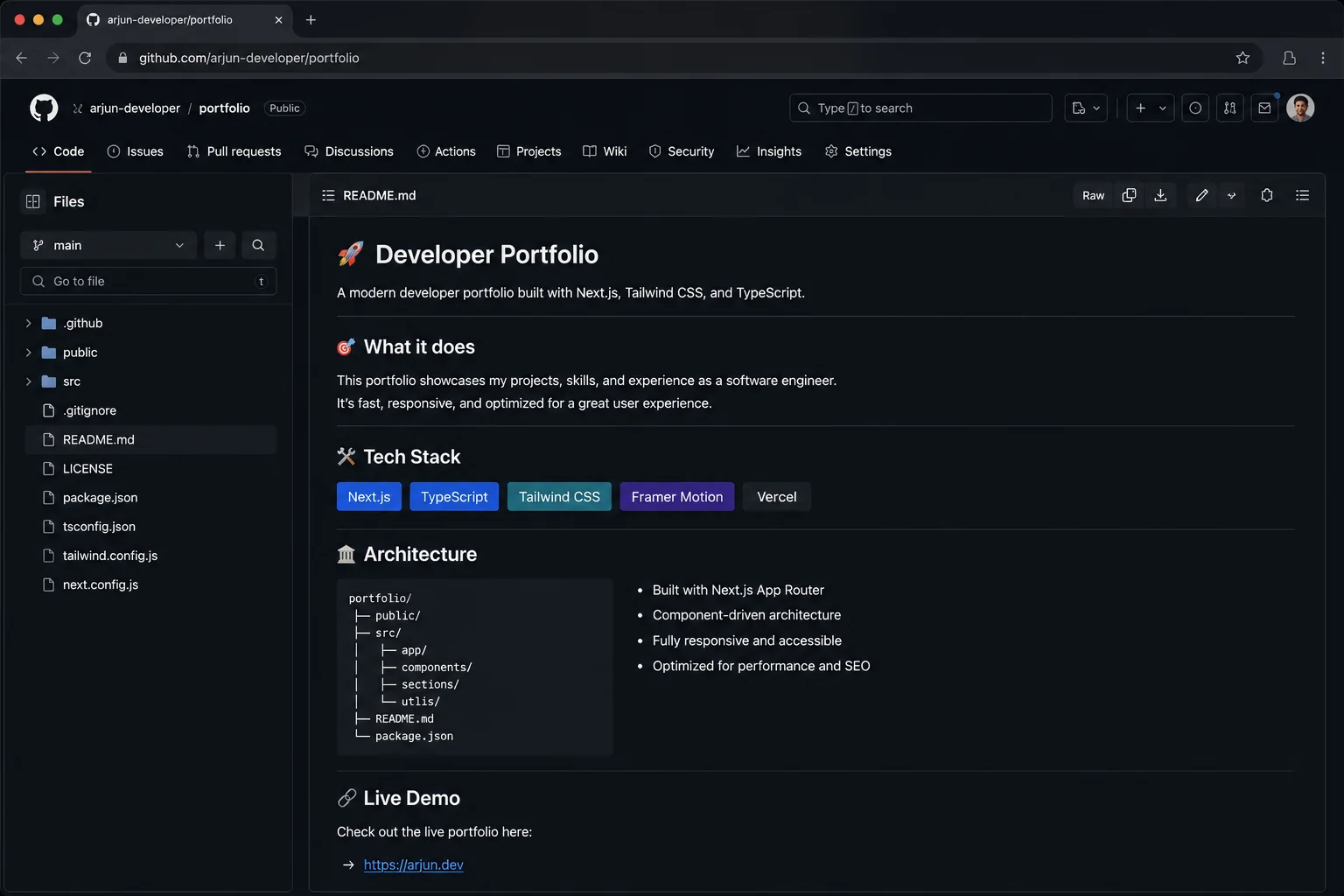
Every project README should have these sections in this order:
- What it does — one sentence, no jargon
- Live demo link — if it is not live, it does not count
- Tech stack — bullet list, keep it scannable
- Architecture decisions — 2-3 sentences on why you made the choices you made
- How to run locally — copy-paste commands that actually work
- What I learned — optional but signals intellectual honesty
The architecture decisions section is what separates a junior portfolio from a mid-level one. "I chose Postgres over MongoDB because the data has clear relational structure and I wanted to practice writing raw SQL joins" tells a recruiter far more than listing your tech stack alone.
Making Your GitHub Profile Work for You
Your GitHub profile is searched by recruiters. Not as much as LinkedIn, but it happens. And when a technical recruiter clicks your GitHub, you have about 10 seconds before they move on.
Profile README: GitHub lets you create a special username/username repository that renders as your profile README. Use it. Write a 3-sentence intro, list your main skills, link to your portfolio and LinkedIn. Do not write a wall of text with badges that take 15 seconds to load.
Pinned repositories: Pin your 6 best projects. If you only have 3 good ones, pin 3. Do not pin repositories named "my-first-react-app" or "test-project".
Contribution graph: Consistency matters more than volume. 2 commits a day every day for 3 months looks better than 50 commits one weekend. If you are actively learning or building, this happens naturally. If your graph is empty, that is the first thing to fix.
Repository names: Use lowercase-kebab-case and real names. portfolio-website is fine. portf-new-2024-final-v3 is a red flag.
The Portfolio Website: What to Include
If you have the skills to build a portfolio website, build one. If you do not, GitHub profile alone is fine for entry-level roles.
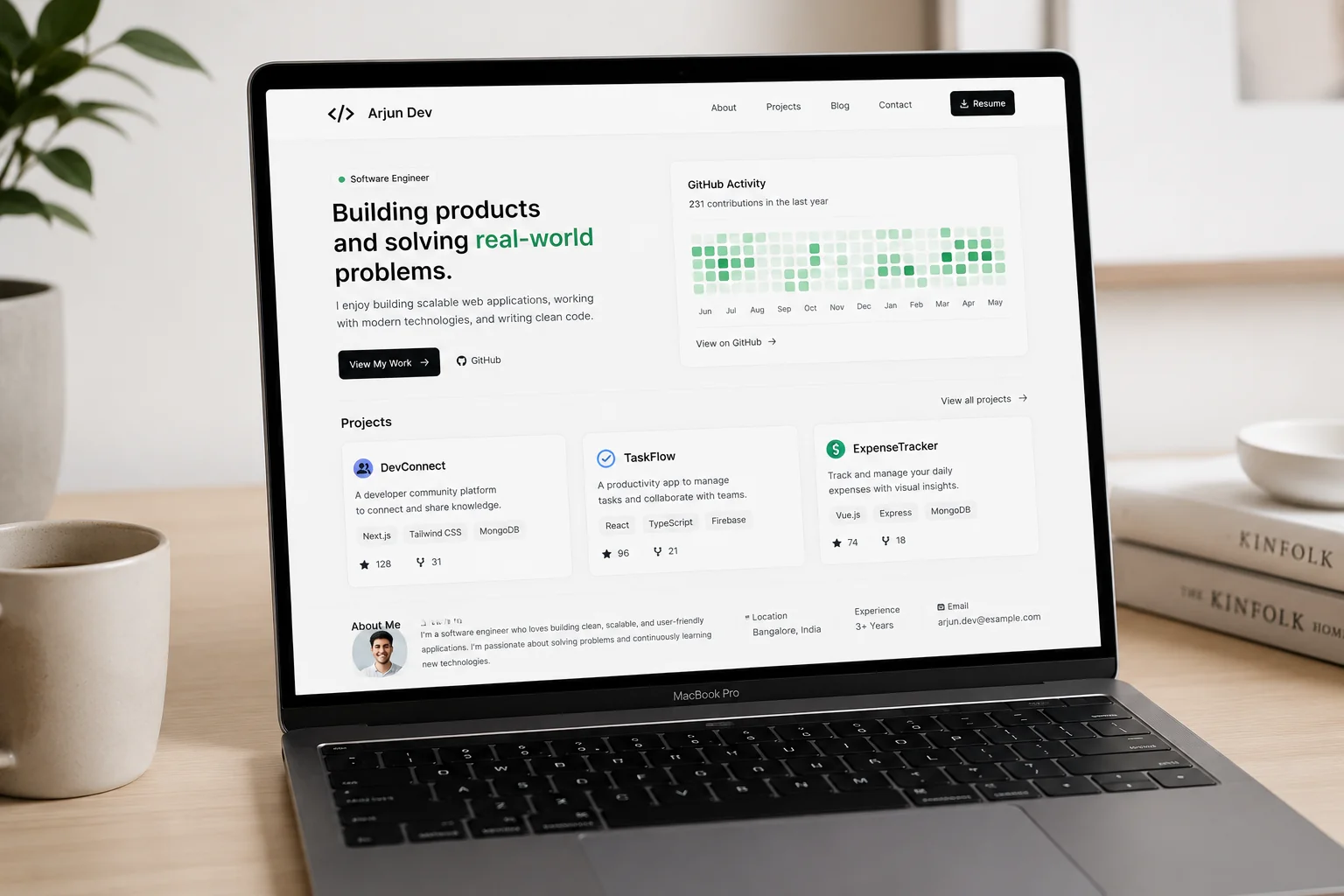
A portfolio website should be simple. The goal is to communicate clearly, not to demonstrate every CSS trick you know.
What to include:
- Name and one-line pitch ("Full-stack engineer building developer tools")
- Links to your best 3 projects (name, one-sentence description, live link, GitHub link)
- Skills section (keep it honest — do not list every technology you have heard of)
- Contact / LinkedIn / GitHub
What to skip:
- "Skills" bars showing you are "85% proficient" in React (nobody knows what this means)
- Animations that delay seeing your actual content
- Dark patterns (no need to be clever — just be clear)
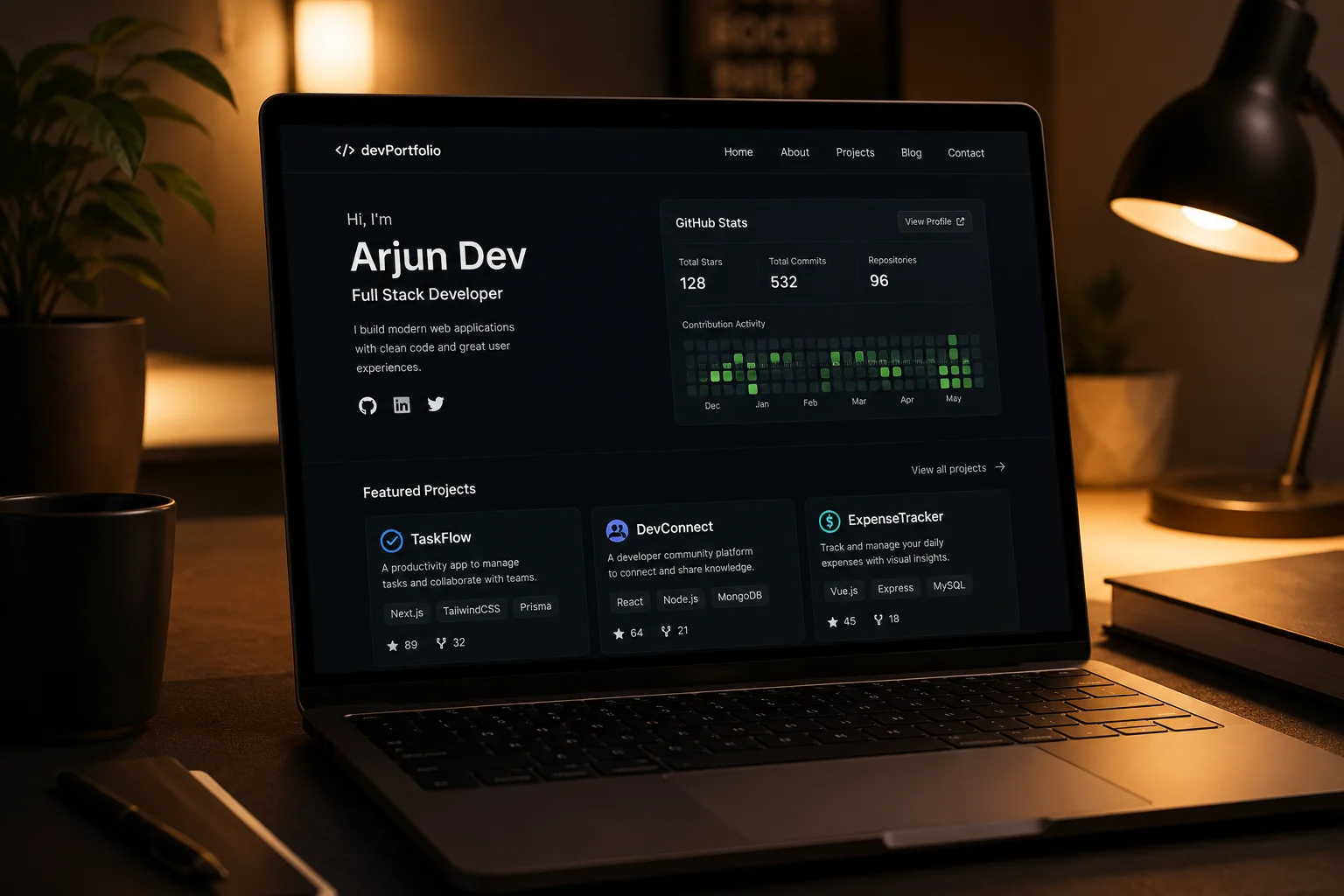
- Visitor counters, GitHub stats cards, and other noise
The best portfolio websites load fast, have good contrast, work on mobile, and get out of the way of your actual work.
Writing About Yourself
The "About" section of your portfolio is the hardest part to write because it requires you to make claims about yourself that feel uncomfortable. Here is a framework.
Bad: "I am a passionate developer who loves building things and is always learning."
Good: "I am a final-year CS student specializing in backend systems. I have shipped two production applications serving real users and contributed to three open source projects. I am looking for roles in backend or full-stack engineering where I can work on high-traffic infrastructure."
The difference is specificity and claims with evidence. "Passionate" is noise. "Shipped two production applications" is a claim you can back up with links.
Mistakes That Kill Good Portfolios
Using frameworks you cannot explain. If a recruiter asks "why did you use Redux here instead of just React context?" and you say "I saw it in a tutorial," that is worse than not using Redux.
No live demo. "Here is my GitHub link" is not a portfolio. Get your projects deployed. Vercel, Render, Railway, Netlify — most have free tiers. A project that cannot be seen running is not a portfolio, it is homework.
Everything is a tutorial. If every project you built was someone else's idea, your portfolio says "I can follow instructions." You want it to say "I can solve problems." Build at least one thing that you came up with yourself.
Inconsistent tech stack. A portfolio with a Python backend, a Vue frontend, a React Native app, and an Android app says you are unfocused. Pick a lane. You can learn multiple things, but your portfolio should tell a coherent story.
No updates in 2 years. A portfolio that has not been touched since 2022 suggests you stopped learning. Even one new project or one updated README per quarter keeps it current.
Putting It Together: The 30-Day Portfolio Sprint
Here is a realistic 30-day plan for a CS student with existing coding skills:
Week 1: Pick your 3 projects. If the anchor project does not exist yet, start building it. If it does, write the README and deploy it.
Week 2: Complete the anchor project to demo-ready state. It does not have to be perfect — it has to work and be live.
Week 3: Find one open source issue to contribute to. Submit your PR. Polish the README for your technical showcase project.
Week 4: Build the portfolio website (or clean up your GitHub profile if you are skipping the site). Review everything as if you were a recruiter seeing it for the first time.
By day 30 you should have: a live anchor project, a deployed technical showcase, a GitHub profile that looks active, and either a portfolio site or a polished GitHub profile.
That is enough to get interviews at most companies. The rest is execution.
Using BuildrHQ to Accelerate Your Portfolio
BuildrHQ's Project Builder helps CS students build portfolio-worthy projects with AI guidance — from architecture planning to code review to verified proof of completion. Instead of spending hours figuring out what to build and how to structure it, you get a structured path from idea to shipped project.
The platform also auto-tracks your GitHub activity and open source contributions in one dashboard, so your portfolio data is always current. When you are ready to apply, the AI Resume Builder turns your project history into recruiter-ready resume bullets tailored to each job description.
The Honest Truth About Portfolios in 2025
Building a great portfolio takes 2–3 months of consistent work. There is no shortcut. Recruiters have seen thousands of portfolios and can tell in seconds whether a project was built thoughtfully or copied from a tutorial.
The good news: most developers do not put in this work. The bar is lower than it looks. Three excellent projects, a clean GitHub, and a portfolio that loads fast and communicates clearly will put you ahead of 80% of candidates you are competing against.
Start this week. Ship one thing. Then ship another. The portfolio builds itself through consistent output.