
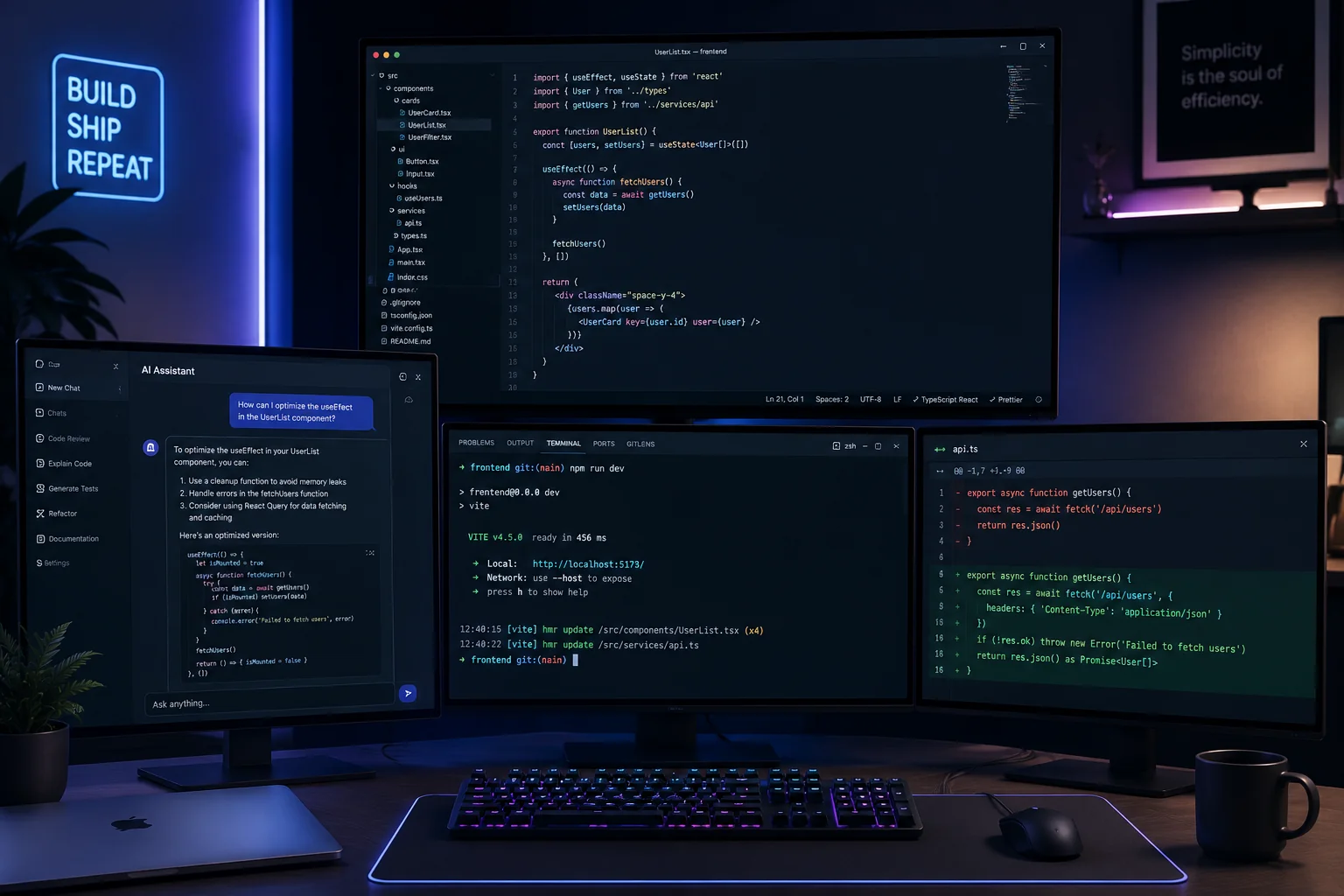
GitHub Copilot changed how developers write code. But in 2025, Copilot is table stakes — it is the minimum viable AI tool, and the developers using only Copilot are leaving serious productivity on the table.
The developers shipping faster, interviewing better, and building more impressive portfolios are not using more raw intelligence — they are using a wider, smarter stack of AI tools for different parts of their workflow. This guide covers the 10 AI tools that are actually moving the needle, what each one is genuinely good at, and what each one gets wrong so you can calibrate your expectations.
Why Most Developers Under-Use AI Tools
The most common pattern: a developer signs up for ChatGPT, uses it to answer questions for a few weeks, then mostly goes back to their old workflow. The tools feel impressive but not transformative.
The reason is scope. Most developers use AI tools as a replacement for Stack Overflow — a place to ask questions. The tools that are transforming developer productivity are being used for more specific, higher-leverage tasks: generating boilerplate, reviewing architecture decisions, preparing for interviews, writing documentation, and debugging complex errors.
The developers who get the most out of AI tools have strong mental models of what each tool is genuinely good at — and what it makes up.
A critical note before we start: every AI tool hallucinates. The frequency and severity vary, but no tool is reliable for verifiable facts without citations. Use AI tools for generation and reasoning. Verify anything factual.
1. GitHub Copilot (Code Completion)
The baseline. If you are not using Copilot or a similar completion tool, start here.
What it is genuinely good at: Repetitive boilerplate generation. Database migration files, test cases that follow a pattern, CRUD endpoints, config files, utility functions. The more context it has (open files, existing code style), the better the output.
Where it falls short: Novel architecture decisions, security-sensitive code (it will generate code that works but may have injection vulnerabilities), and anything that requires understanding your full codebase context.
Best practice: Treat Copilot as a fast typist, not a smart architect. Accept suggestions for boilerplate, reject suggestions where you do not understand the generated code, and always review security-critical generations carefully.
Alternatives: Cursor (uses Claude and GPT-4), Tabnine (self-hosted for privacy-sensitive environments), Supermaven (very fast, less accurate).
2. Claude (Complex Reasoning and Code Review)
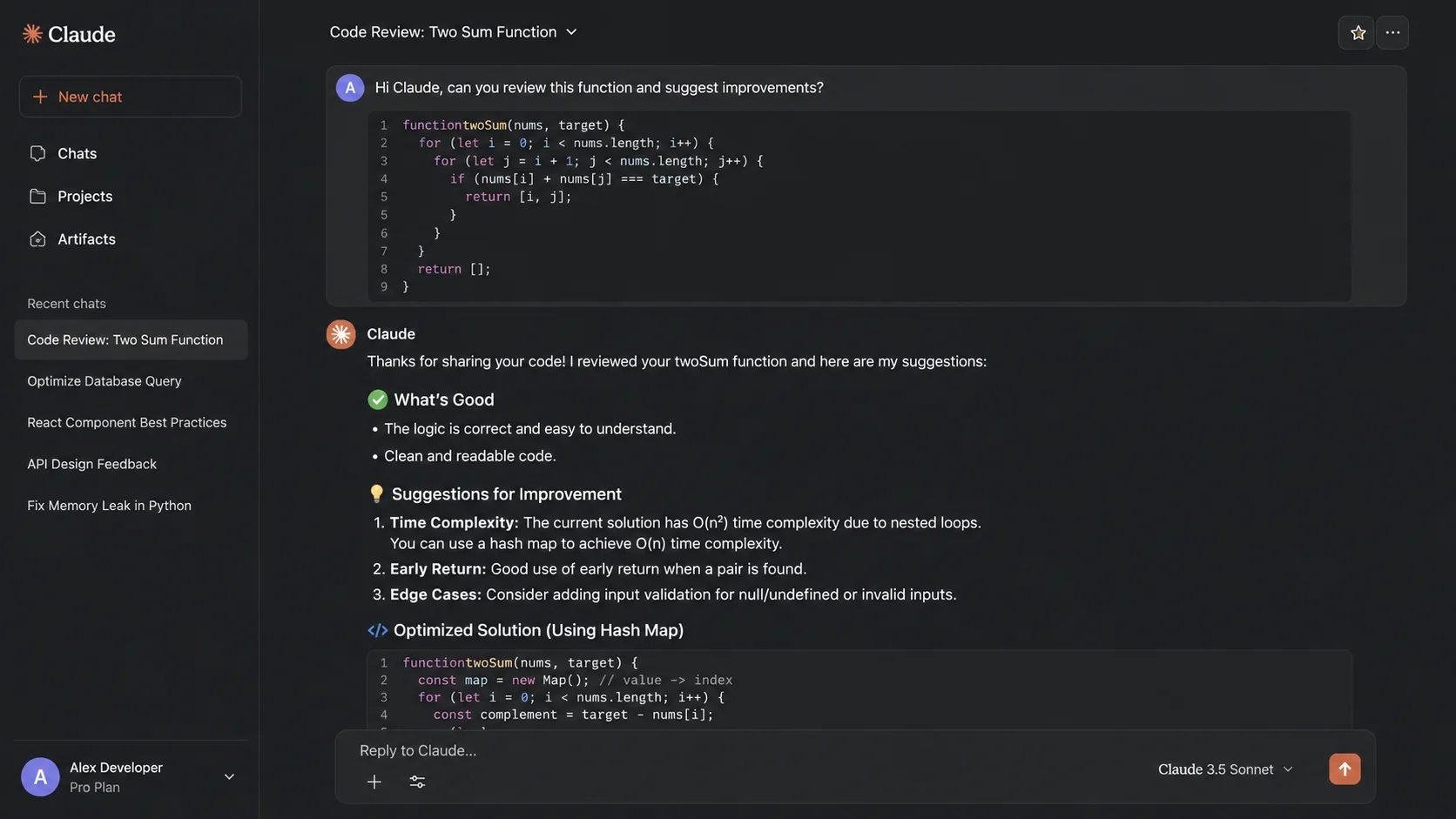
Anthropic's Claude is currently the strongest AI model for complex reasoning tasks. Where ChatGPT tends toward confident-sounding but occasionally shallow analysis, Claude tends toward more careful, nuanced thinking — and is more likely to say "I am not sure" when it is not sure.
What it is genuinely good at: Architecture discussions, code review of large functions, refactoring suggestions, explaining complex codebases, writing documentation, and drafting technical blog posts. Claude has a very large context window, which means you can paste an entire file and ask it to review the whole thing.
Where it falls short: Real-time information (knowledge cutoff), and like all models, it can be confidently wrong about specific framework APIs. Always verify generated code against documentation.
Best use case for developers: Paste your code and ask "what edge cases am I missing?" or "what would make this more idiomatic?" You get better feedback than most code reviews from junior colleagues.
3. Cursor (AI-Native Code Editor)
Cursor is a VS Code fork with AI built into the editor in ways that feel more integrated than Copilot. The standout feature is codebase context — Cursor can index your entire project and answer questions about your specific code.
What it is genuinely good at: Ask questions like "where is the authentication middleware configured?" and get accurate answers with file and line references. The Tab completion is fast and context-aware. The multi-file edit mode (⌘K) lets you describe a change in natural language and have it applied across multiple files simultaneously.
Where it falls short: Large codebases can be slow to index. The multi-file edit feature sometimes makes changes in wrong files if your description is ambiguous.
Best for: Mid-size projects (10K–500K lines) where you spend a lot of time navigating and making consistent changes across files. If you are building something new, Copilot alone may be sufficient.
4. Perplexity AI (Research and Up-to-Date Information)
ChatGPT and Claude have knowledge cutoffs. Perplexity does not — it searches the web in real time and cites its sources. This makes it dramatically more useful for anything involving current information.
What it is genuinely good at: "What is the current recommended way to handle authentication in Next.js 15?" gives you a cited, current answer instead of a potentially outdated one. Technology comparison questions ("Bun vs Node.js in 2025: what changed?") are answered with current benchmark data. Documentation for frameworks that have changed recently.
Where it falls short: Deep reasoning tasks where you need an extended back-and-forth conversation. For research and factual questions, Perplexity is often better than any other tool. For code generation and debugging, Claude or ChatGPT is better.
Best practice: Start research with Perplexity to understand the current state of a technology, then switch to Claude or ChatGPT for implementation details and code generation.
5. BuildrHQ AI Resume Builder (Interview Preparation)
For developers actively job searching, the BuildrHQ AI Resume Builder is the most directly career-impactful AI tool in this list. Paste a job description and it rewrites your resume bullets to match the specific language and keywords the ATS and recruiter will be scanning for.
What it is genuinely good at: ATS score analysis, bullet rewriting for specific roles, keyword gap analysis, and cover letter generation from your profile data. It understands the specific conventions of software engineering resumes (metrics, action verbs, stack specificity) in a way that generic AI tools do not.
Where it falls short: It can only work with the experience you actually have. If your resume has weak underlying experience, better bullets help but do not transform the underlying signal.
Best use case: When actively applying to multiple roles with different requirements. Tailoring a resume from scratch for each role takes 2–3 hours. With the AI Resume Builder, it takes 15 minutes.
6. Warp Terminal (AI in the Command Line)
Warp is a terminal replacement that adds AI features directly to the command line. The most useful feature: explain the last command's output. Run a command, get a cryptic error, type # and ask "why did this fail?" and get an explanation with a suggested fix.
What it is genuinely good at: Explaining error messages, suggesting command syntax you do not remember, searching your command history intelligently, and team-shared runbooks (shared terminal playbooks for common workflows).
Where it falls short: The AI command suggestions can be incorrect for uncommon tools. And like all AI-assisted terminals, you need to be careful about running suggested commands on production systems.
Best for: Developers who spend significant time in the terminal and want to reduce the time spent Googling command syntax and parsing error messages.
7. Pieces for Developers (AI-Powered Code Snippet Manager)
Pieces is a local-first AI tool that acts as an intelligent clipboard for developers. It captures code snippets you copy, enriches them with metadata (language, related frameworks, where you copied it from), and lets you search your snippet history semantically.
What it is genuinely good at: "Find that utility function I wrote for debouncing inputs last month" actually works. Cross-IDE sync means snippets you copy in VS Code are available in Cursor. The local-first model means your code never leaves your machine.
Where it falls short: The richness of the tool requires some setup investment, and the AI enrichment occasionally misidentifies snippet context.
Best for: Developers who frequently work across multiple projects and find themselves rewriting the same utility functions or hunting through old code for snippets.
8. Mintlify Doc Writer (Documentation Generation)
Documentation is the part of the job that most developers do last and worst. Mintlify's VS Code extension generates docstrings and inline documentation from your code with a keyboard shortcut.
What it is genuinely good at: JSDoc, Python docstrings, and inline comments from function signatures and bodies. Functions with clear naming generate excellent documentation. The output follows language conventions and includes parameter descriptions and return type documentation.
Where it falls short: Complex functions with non-obvious behavior sometimes get generic documentation that misses the important "why." Always review generated docs for correctness.
Best practice: Use it for every public function and API endpoint. Generate the documentation, then edit the 10–20% that is incorrect or incomplete. Net time saving versus writing from scratch is significant.
9. Liner AI (Research Highlighting and Summarization)
Liner is a Chrome extension that uses AI to highlight the most relevant parts of any web page as you browse. For developers reading documentation, technical blog posts, and research papers, it surfaces the critical sentences and lets you ask questions about highlighted sections.
What it is genuinely good at: Reading long documentation pages and getting the essential points quickly. Comparing two docs pages side-by-side with AI summaries. Asking follow-up questions about specific highlighted content.
Where it falls short: It is a reading tool, not a coding tool. For documentation-heavy research tasks, it is genuinely useful. For most development work, it is a nice-to-have rather than a must-have.
10. ChatGPT o1/o3 (Complex Problem Solving)
OpenAI's reasoning models (o1, o3) use extended thinking time to solve problems that require multi-step reasoning. For software engineers, the most valuable use cases are algorithmic problem solving, debugging complex logic errors, and mathematical calculations underlying algorithms.
What it is genuinely good at: Problems where getting the right answer requires following a chain of logic carefully — like debugging a concurrency issue, figuring out why a recursive algorithm produces an off-by-one error, or reasoning about database index behavior. The extended thinking means it is less likely to confidently give the wrong answer.
Where it falls short: Speed — reasoning models are significantly slower than standard GPT-4. They also cost more per query. Use them for hard problems, not routine code generation.
Best practice: Use GPT-4o for everyday coding help, Perplexity for research, and o1/o3 when you have a genuinely hard problem where you need confident accuracy over speed.
The AI Developer Stack in Practice
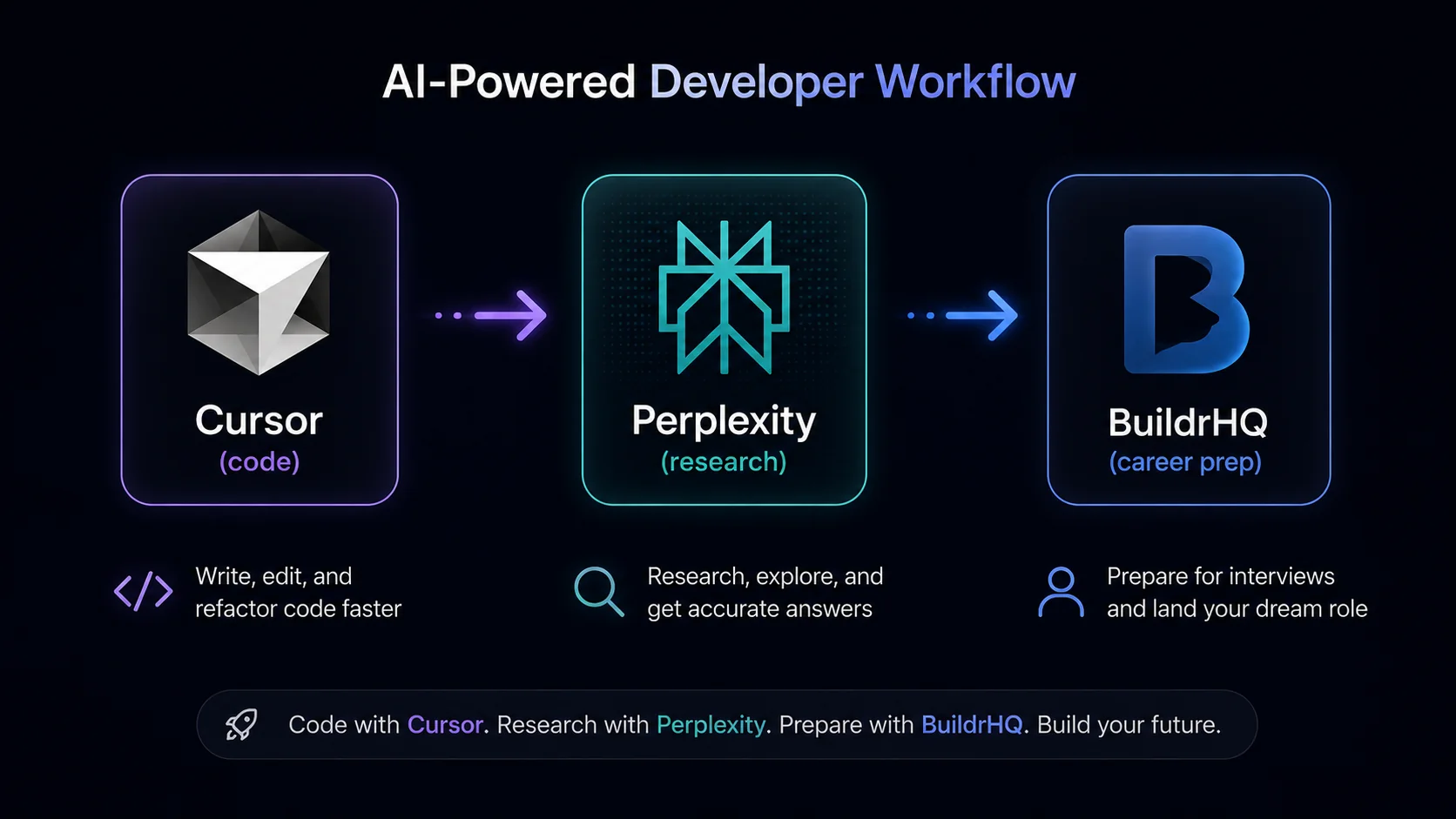
Here is how the tools fit together in a realistic developer workflow:
Building a new feature:
- Cursor or Copilot for boilerplate and autocomplete
- Claude for architecture decisions and code review
- Perplexity for "what is the current best practice for X"
Debugging a hard problem:
- ChatGPT o1 or Claude for complex reasoning
- Warp for understanding terminal errors
- Perplexity for current bug reports and known issues in libraries
Preparing for interviews:
- BuildrHQ Resume Builder for application prep
- BuildrHQ Mock Interview for practice sessions
- Claude for explaining algorithm concepts you are confused about
- ChatGPT o1 for solving hard LeetCode problems and explaining the reasoning
Writing documentation:
- Mintlify for initial generation
- Claude for reviewing and improving
The mistake most developers make is using one tool for everything. Each tool has a specific strength. Using the right tool for each task is what separates developers who feel like AI makes them 10% faster from developers who feel like AI makes them 2x faster.
What AI Tools Will Not Do For You
A final note on calibration: AI tools are leverage, not a substitute for fundamentals.
A developer who understands systems architecture and uses AI to write faster code ships much faster. A developer who does not understand systems architecture and relies on AI for architecture decisions ships faster initially, then runs into structural problems they cannot diagnose.
Learn the fundamentals — DSA, system design, clean code principles. Use AI tools to accelerate the execution of those fundamentals. That combination is what makes a developer genuinely dangerous in 2025.